


How AI Tools Cut Landing Page Design Time: From Prompt to Prototype
Grooic
Tools
AI tools now cut landing page design time by turning simple prompts into usable layouts and prototypes. This guide explains how the process works, which tools matter, and how teams move from idea to launch faster without losing quality.
AI does not replace design thinking. It removes friction. Teams still define goals, users, and value. AI handles slow setup work. This shift changes how landing pages start and how fast they reach testing.
What AI assisted landing page design is and is not
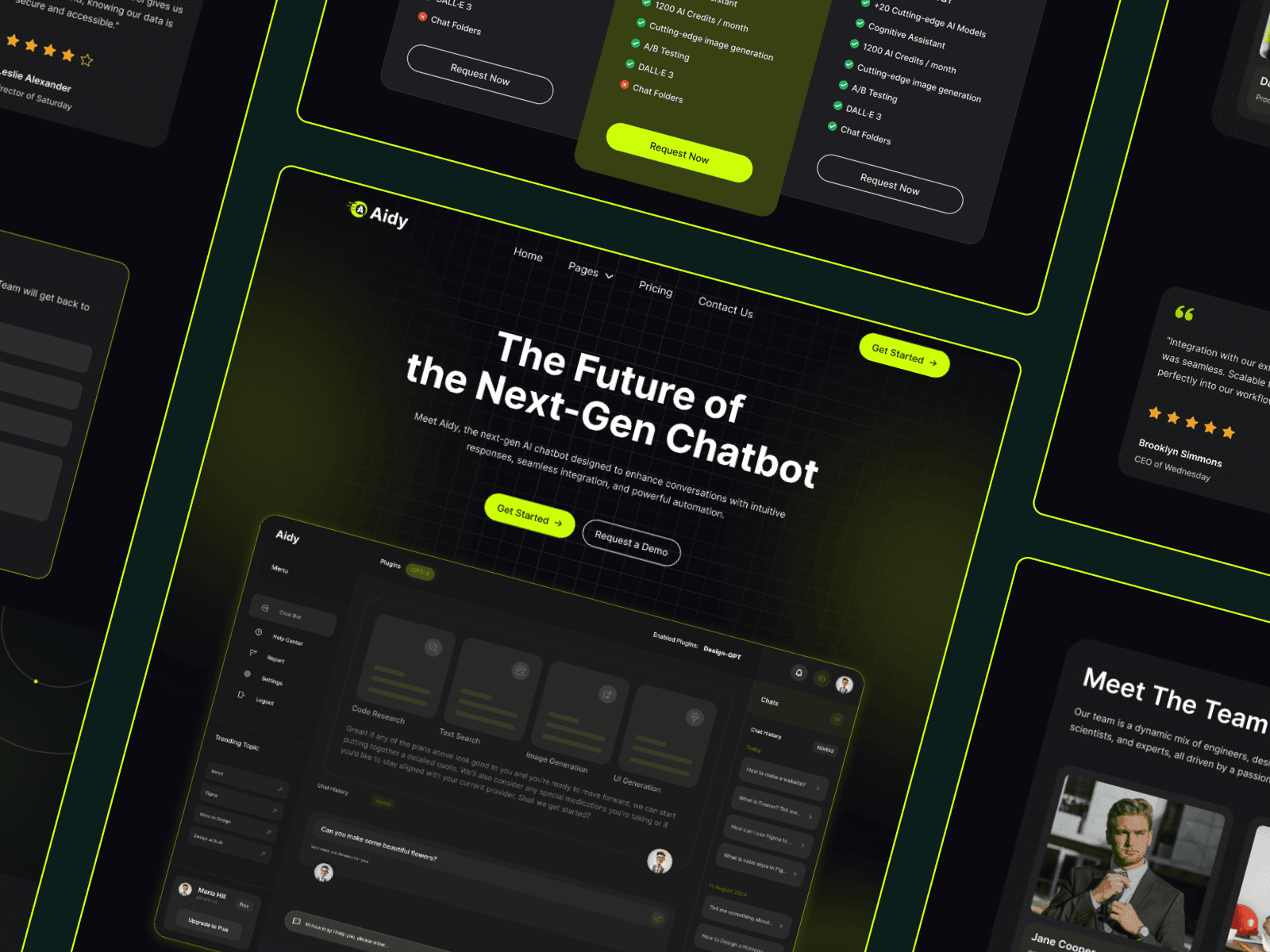
AI assisted design uses models and plugins to generate layouts, copy drafts, visuals, and components from text input. Designers guide the system. The system fills gaps.
AI does not understand your market on its own. It does not validate offers. It does not replace testing. It accelerates execution after you define direction.
Why landing page design slows down without AI
Traditional landing page work follows steps. Research comes first. Wireframes follow. Visual design comes next. Prototyping follows. Production rebuilds happen last.
Most time loss comes from blank states. Empty frames slow teams down. Missing components force repeated work. Rebuilding the same sections wastes days.
AI reduces blank states. Templates reduce rebuilds. Together, they compress weeks into days.
A real workflow from prompt to prototype
Fast teams now follow a shared flow that removes early friction.
Step 1 Prompt defines structure
A short prompt sets the page goal, audience, and sections. Common sections include hero, features, social proof, pricing, and call to action.
AI tools generate a rough layout and copy draft. This draft is not final. It gives shape and direction.
Step 2 Figma frames take form
Figma AI plugins turn prompts or sketches into frames. Designers adjust spacing, hierarchy, and components instead of starting from nothing.
This stage benefits from grid control and layout precision. Many teams refine structure here before moving forward. If you work in Framer later, understanding layout grids matters, as explained in this guide on how to show grid in Framer.
Step 3 Prototype becomes interactive
Framer AI workflows convert static frames into interactive prototypes. Buttons link. Sections animate. The page feels real enough to test.
Teams validate flow and clarity at this stage. They do not wait for final polish.
Step 4 Production uses proven systems
The last step connects speed with reliability. Teams move into production tools or template systems. This is where many AI only workflows slow down again.
Using pre built AI focused landing page templates avoids rebuilds and ensures responsive behavior, performance, and CRO patterns already exist.
Tools that actually help cut design time
Not every AI tool helps landing pages. The useful ones reduce setup and iteration time.
AI copy and layout generators
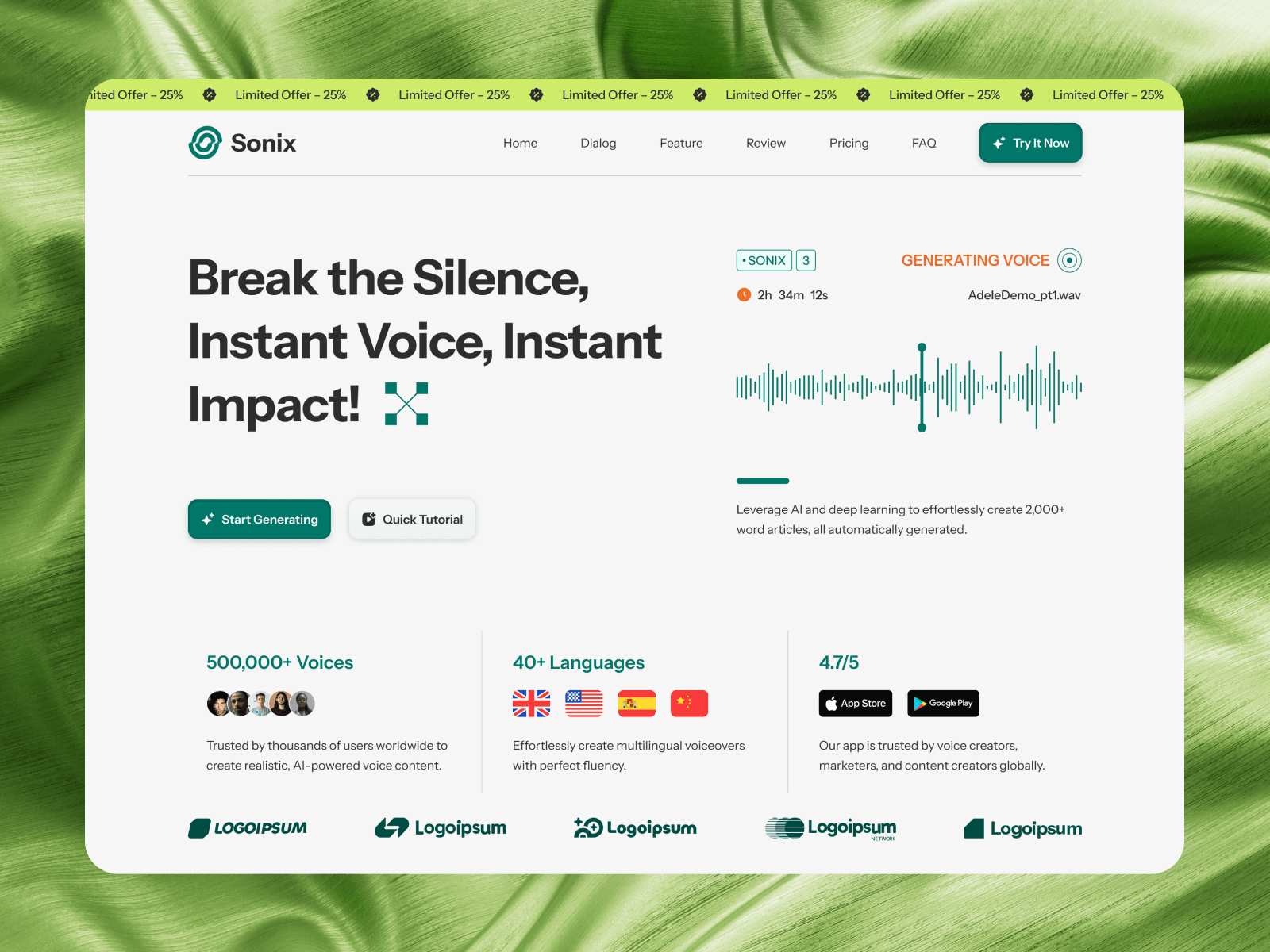
These tools create first pass headlines, section order, and value propositions. They work best for ideation, not final copy.
They help teams explore options faster and compare angles early.
Figma AI plugins
Figma plugins convert prompts into frames or enhance components. They speed layout creation and variation testing.
Designers still refine spacing and contrast. AI handles repetition.
Framer AI workflows
Framer AI turns designs into interactive prototypes faster than manual setup. It helps non developers test ideas with real interactions.
This matters when teams need feedback before committing resources.
AI media tools
AI generated visuals and video placeholders speed early demos. For AI products, this pairs well with focused pages like AI video generator landing pages that show motion and outcomes clearly.
Where AI workflows usually break
Speed creates new risks when teams skip review.
Generic layouts
AI often produces average structures. Without review, pages look like everything else. That hurts trust.
Weak messaging
AI copy sounds fine but lacks proof and specificity. It needs human editing.
Performance gaps
AI prototypes may ignore load speed, accessibility, and responsive edge cases.
These issues appear when teams skip the finishing step.
Why templates complete the workflow
Templates act as the finish line. They convert prototypes into launch-ready assets.
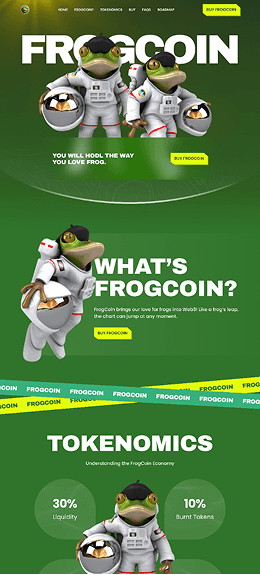
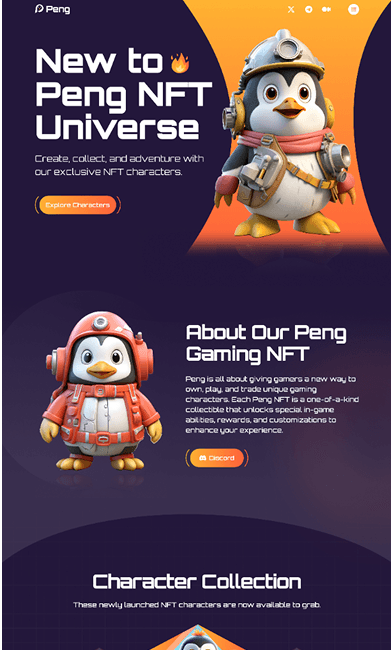
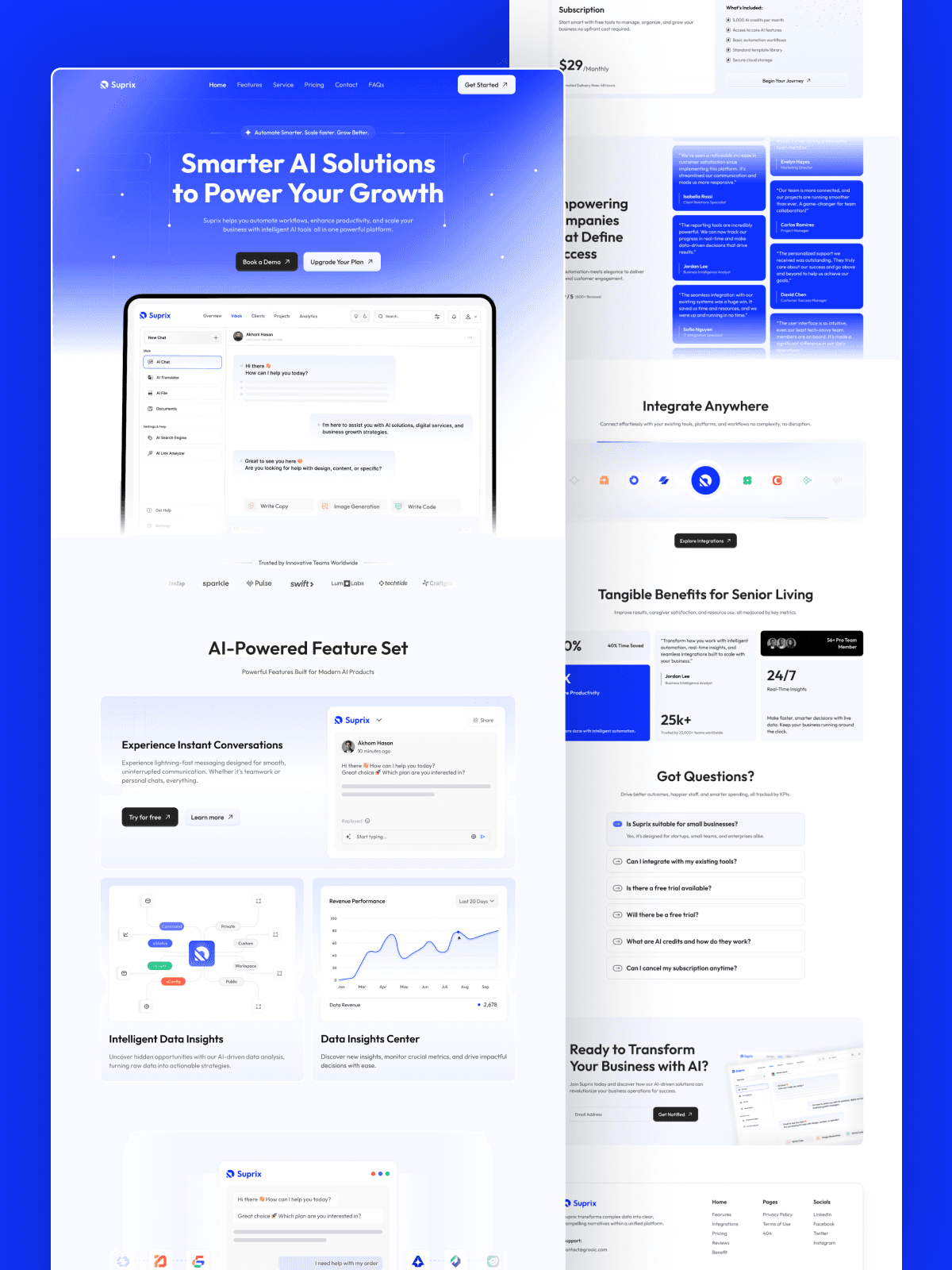
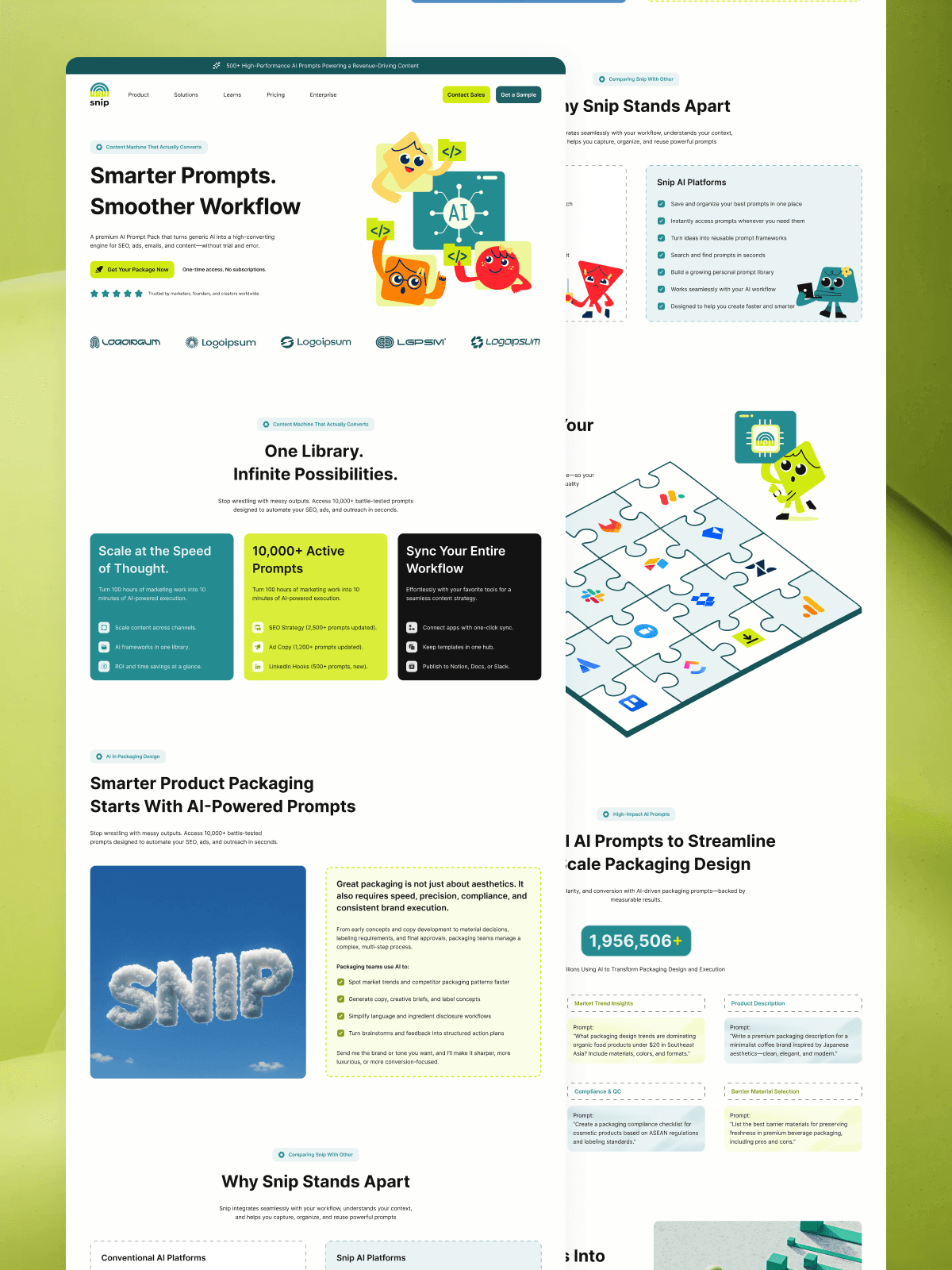
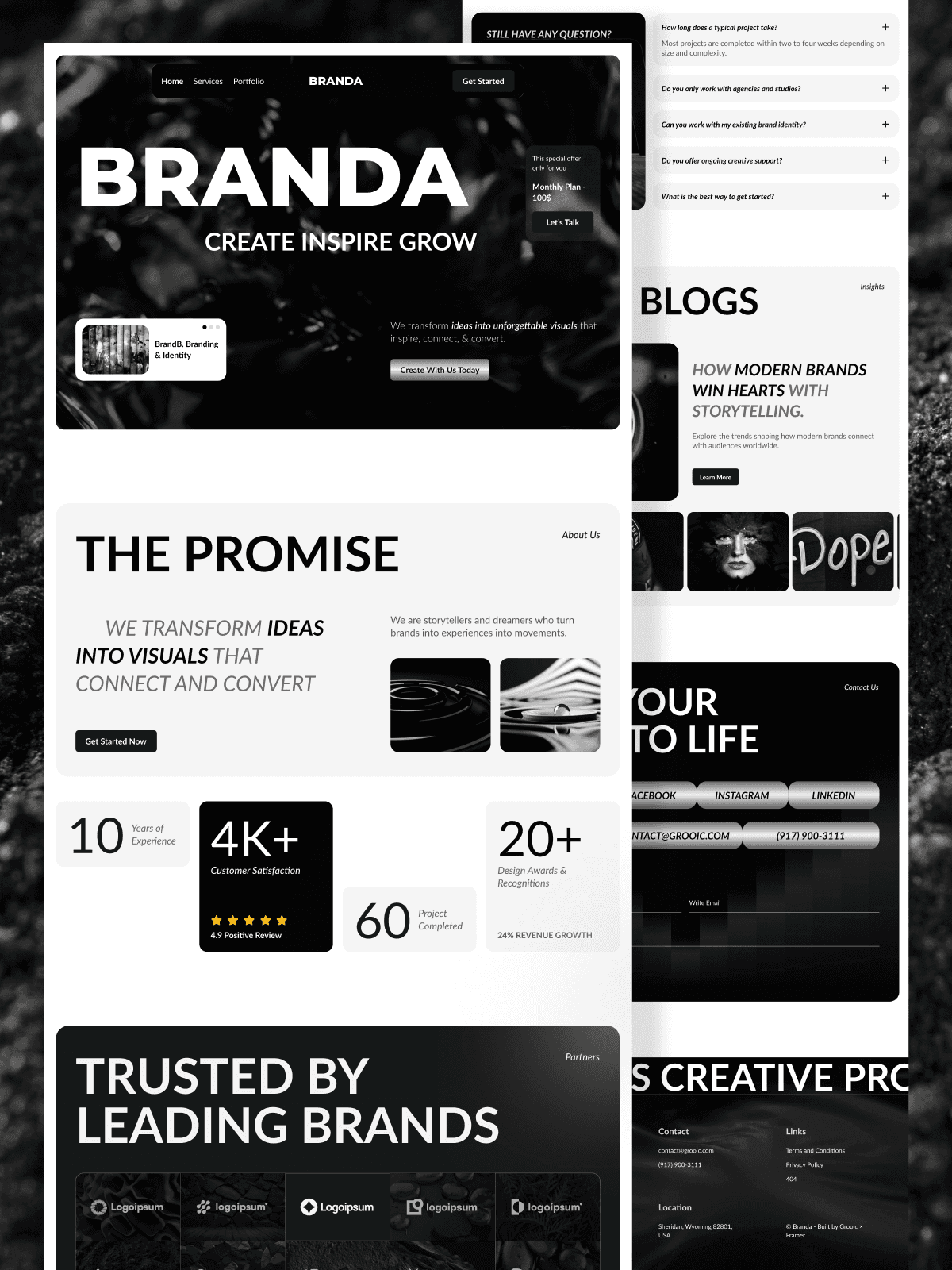
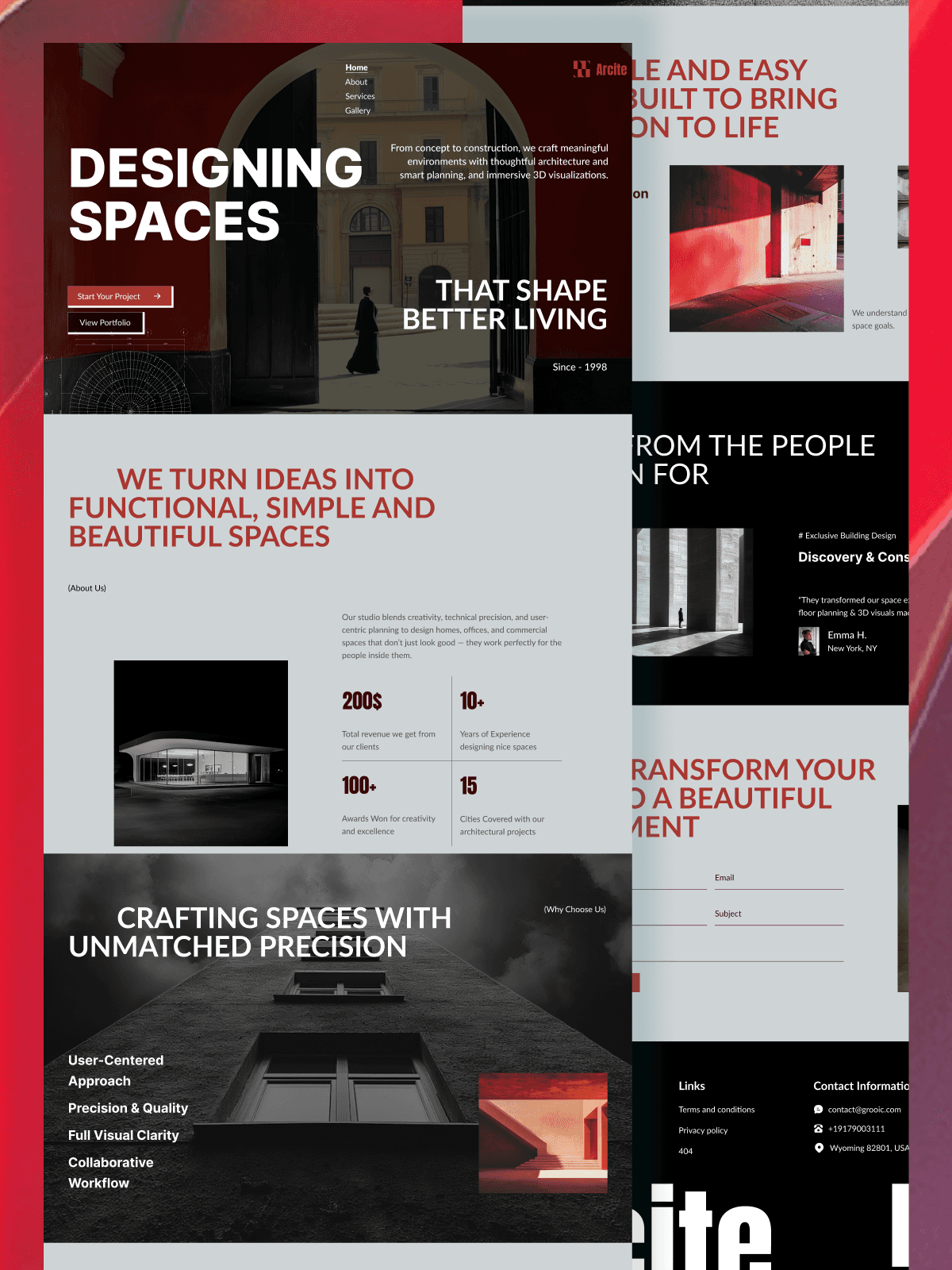
Grooic AI landing page templates provide tested section order, spacing rules, and conversion patterns. Teams place AI-generated content into a system that already works.
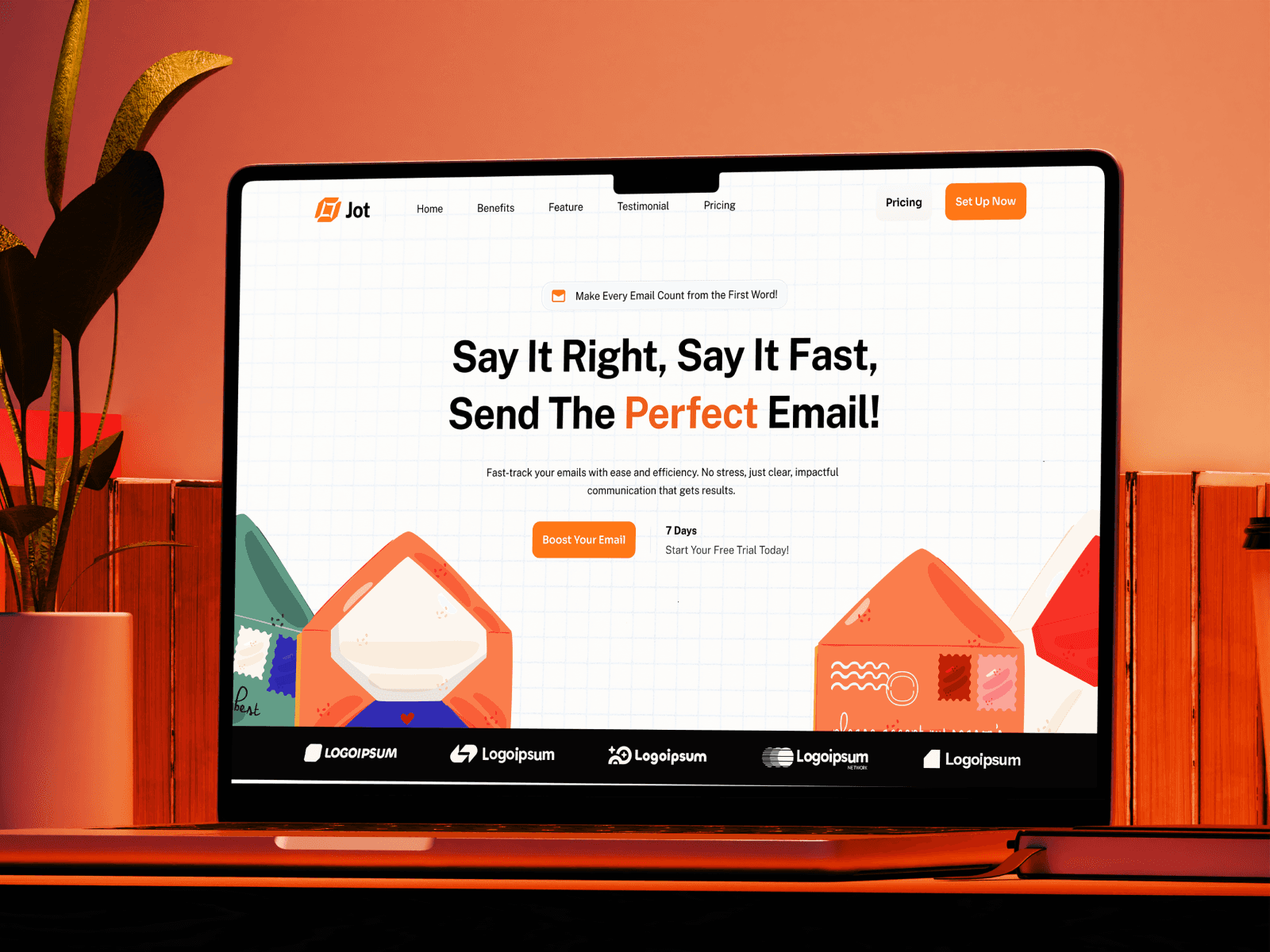
This approach fits teams building AI SaaS pages at scale, as shown in this guide on how to build high-converting AI SaaS landing pages.
For broader use cases beyond core products, AI productivity templates also support tools, dashboards, and workflow apps that need fast validation.
Cost and timeline impact of AI-assisted design
AI tools reduce early-stage design time by days or weeks. Costs shift from manual labor to tool subscriptions.
Early concept to prototype often drops from two or three weeks to a few days. Production still takes time, but templates reduce rebuild effort.
Costs vary by team size, tools, and revision cycles. Savings increase when teams reuse systems instead of starting over.
Ethics and quality checks in AI design
Human review protects trust. Teams should always check claims for clarity and honesty. They should review the copy for bias or incorrect assumptions. They should confirm accessibility, contrast, and mobile performance.
AI speeds output. Humans protect quality.
How Grooic fits into AI-driven landing page design
Grooic sits after AI generation. It turns fast ideas into real pages.
Teams use AI tools to explore direction. They choose Grooic AI templates to launch without sacrificing structure, speed, or conversion quality.
This pairing helps founders and marketers move from prompt to published page with fewer handoffs.
Frequently Asked Questions


Want to Launch Faster?
Get a high-converting landing page instantly with our premium templates.