


Figma Template Customization: Turn Any Figma Design into a Live Landing Page
Grooic
Templates
Figma template customization explains how to take a static Figma file and launch a real landing page. You learn how to prep files, export assets, convert layouts to Framer or Webflow, and avoid common mistakes so you ship faster with less rework.
What is Figma template customization and what is it not?
Figma template customization means editing a ready made Figma design to match your brand and then turning it into a live page. It includes layout edits, content swaps, and responsive setup. It does not mean coding from scratch or redesigning every section.

Teams use customization to save time. They start with a proven layout and adjust colors, type, copy, and sections. This approach lowers risk and speeds launch.
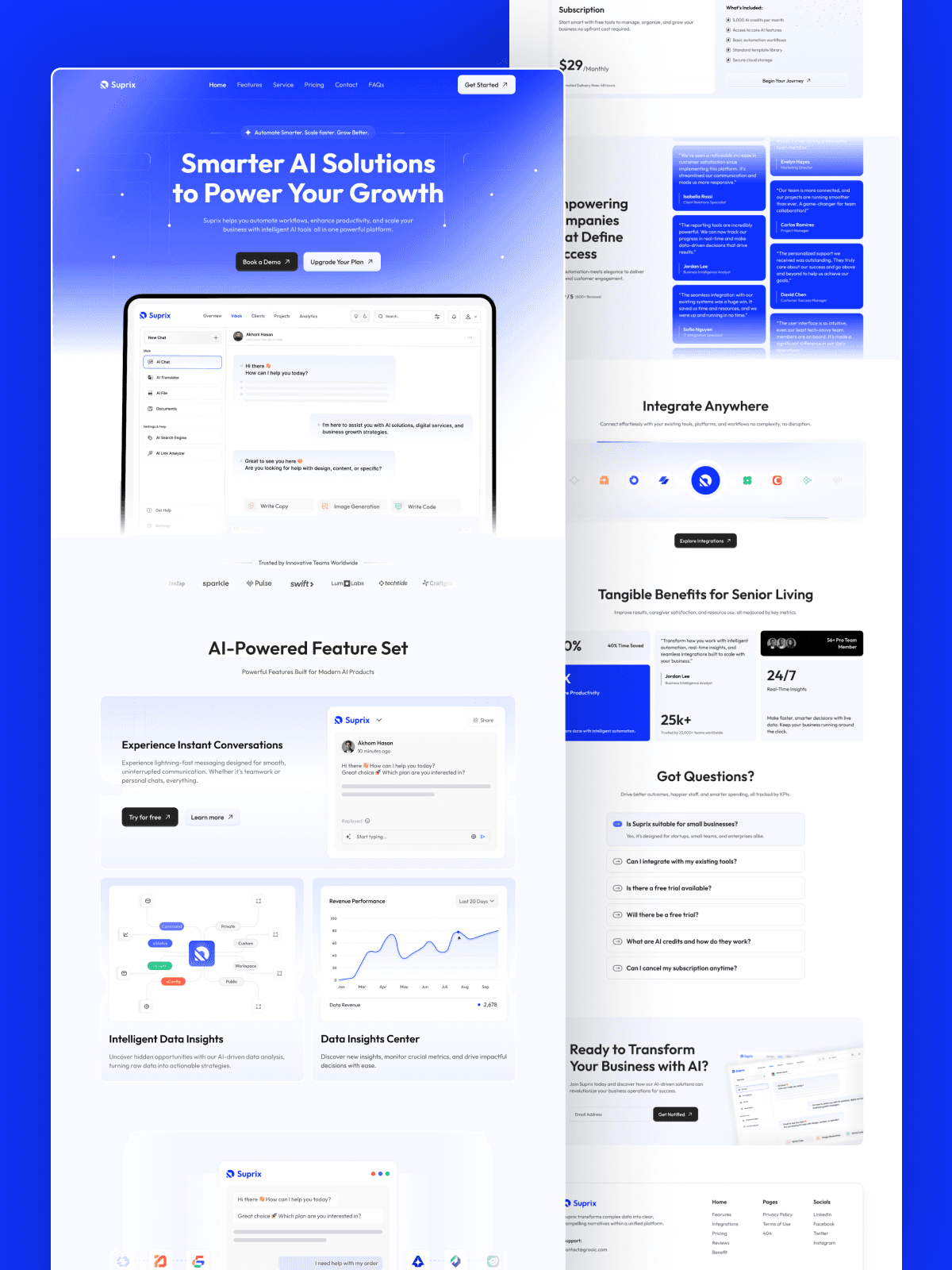
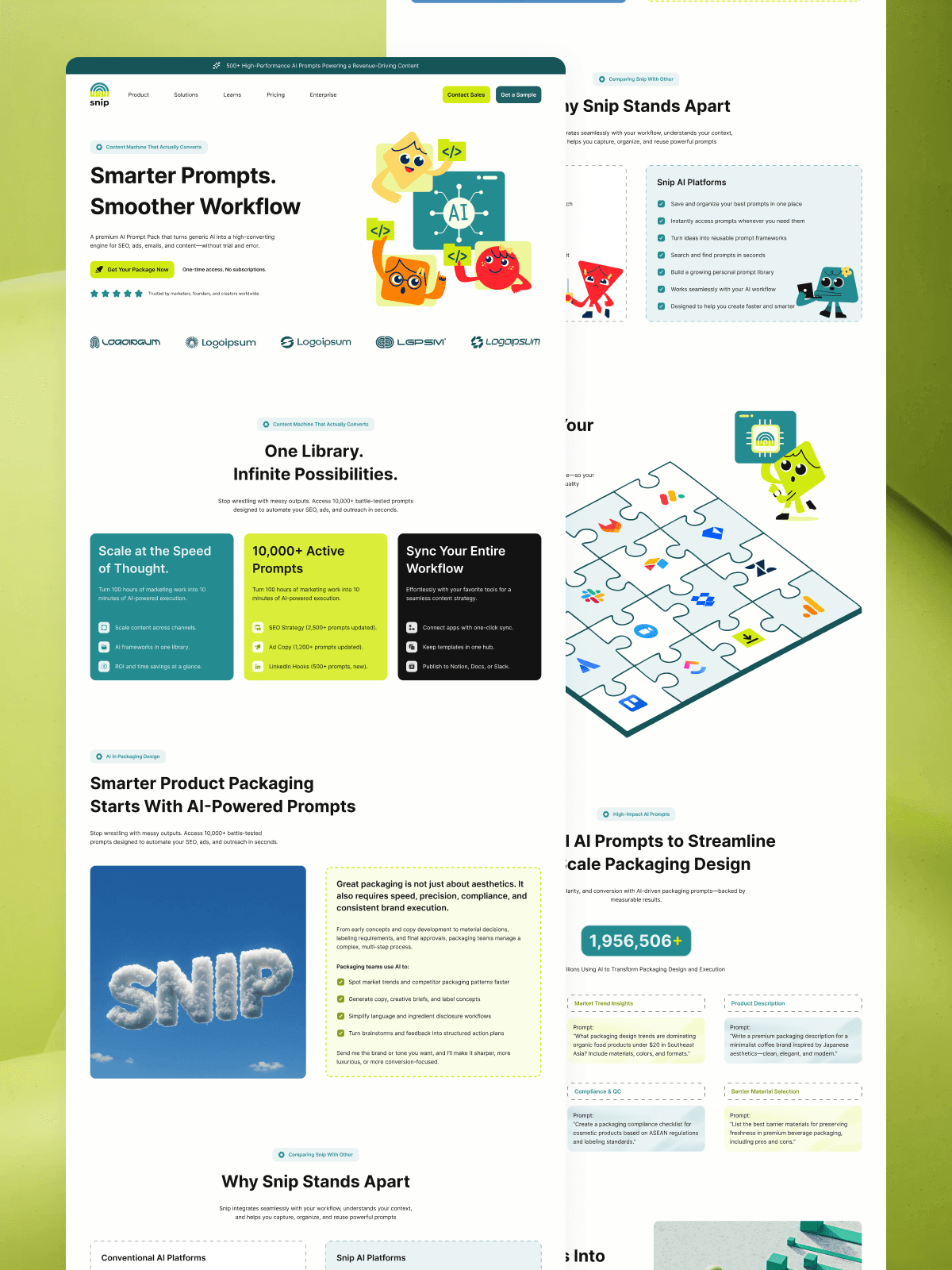
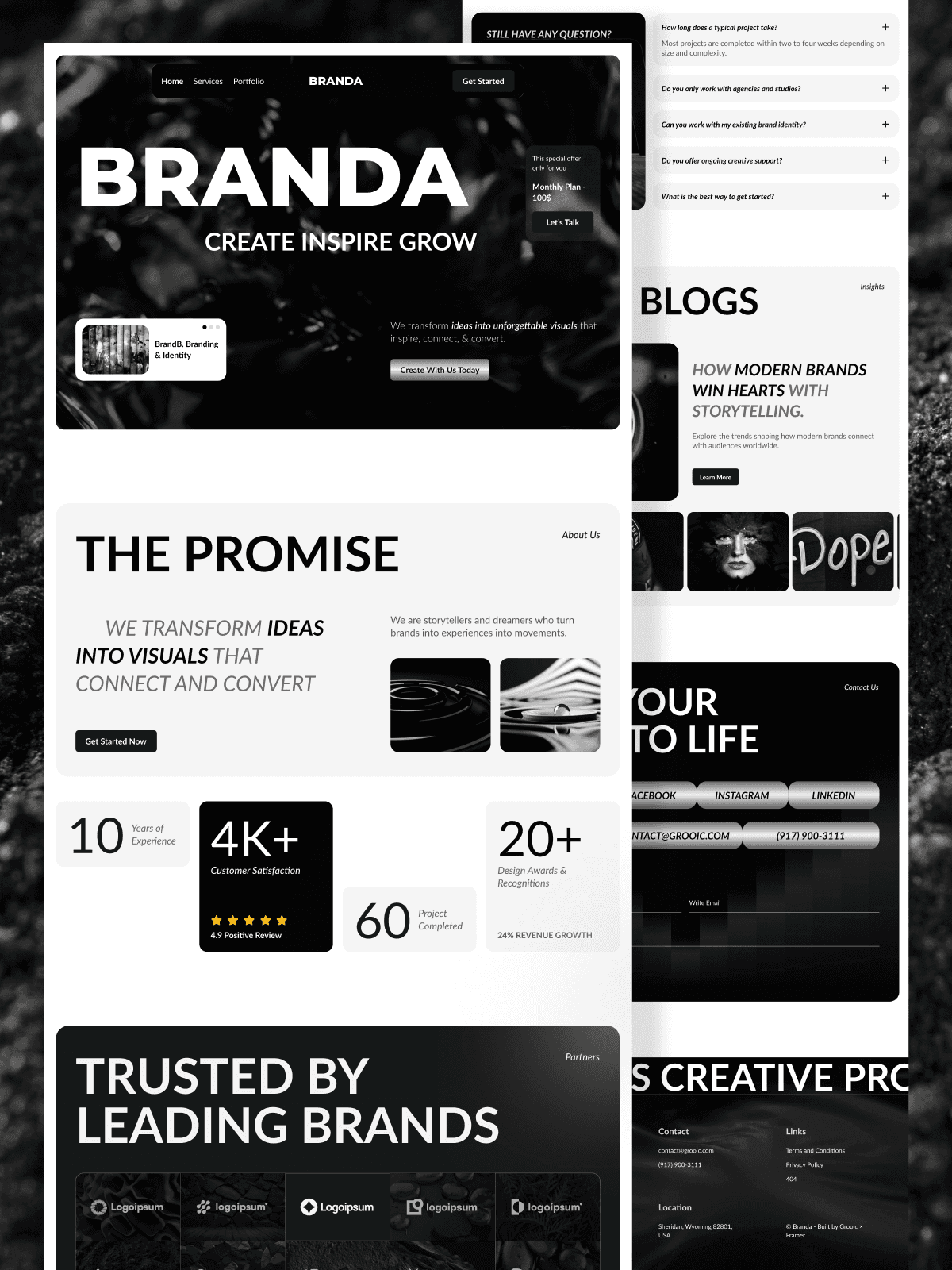
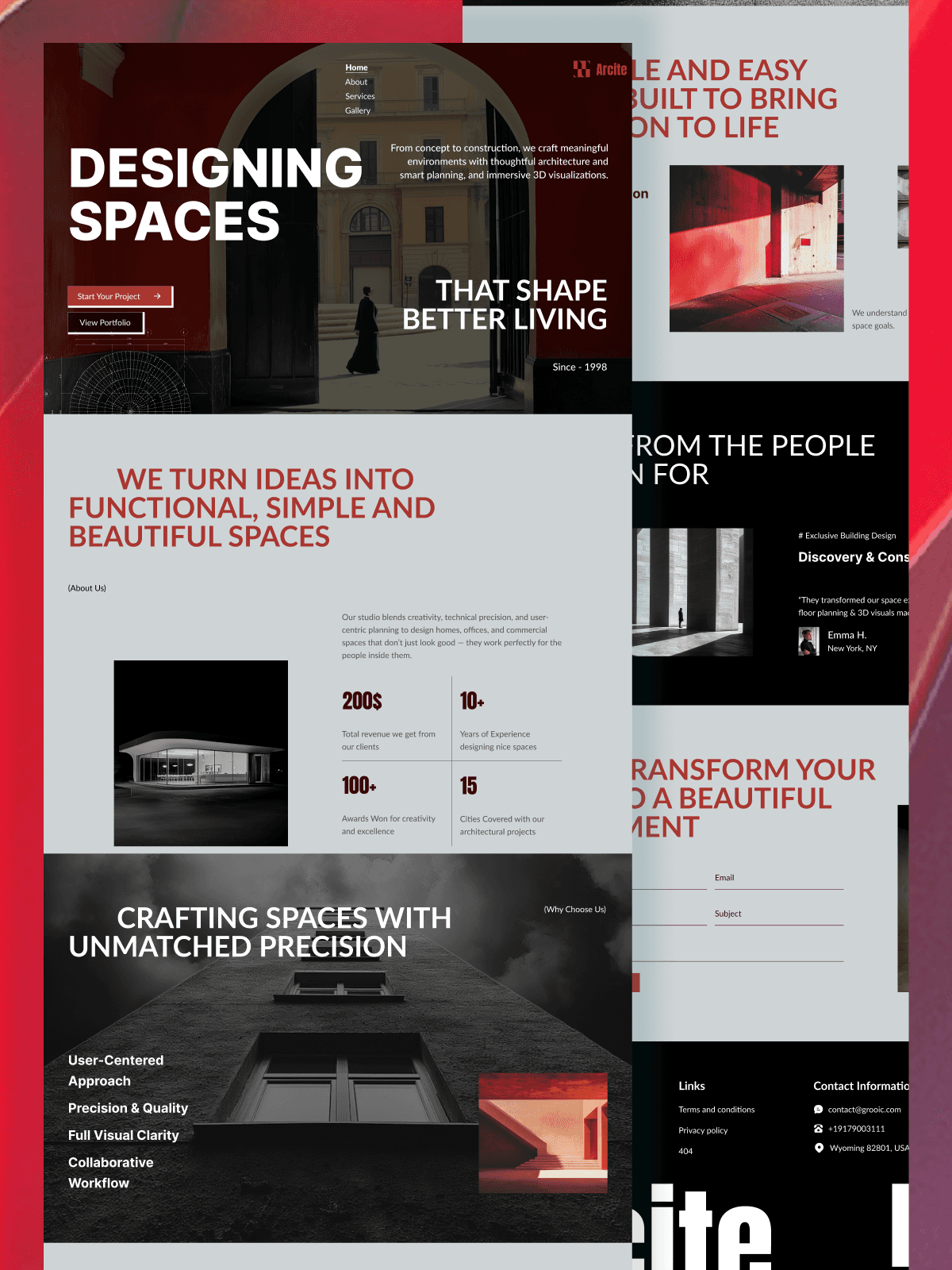
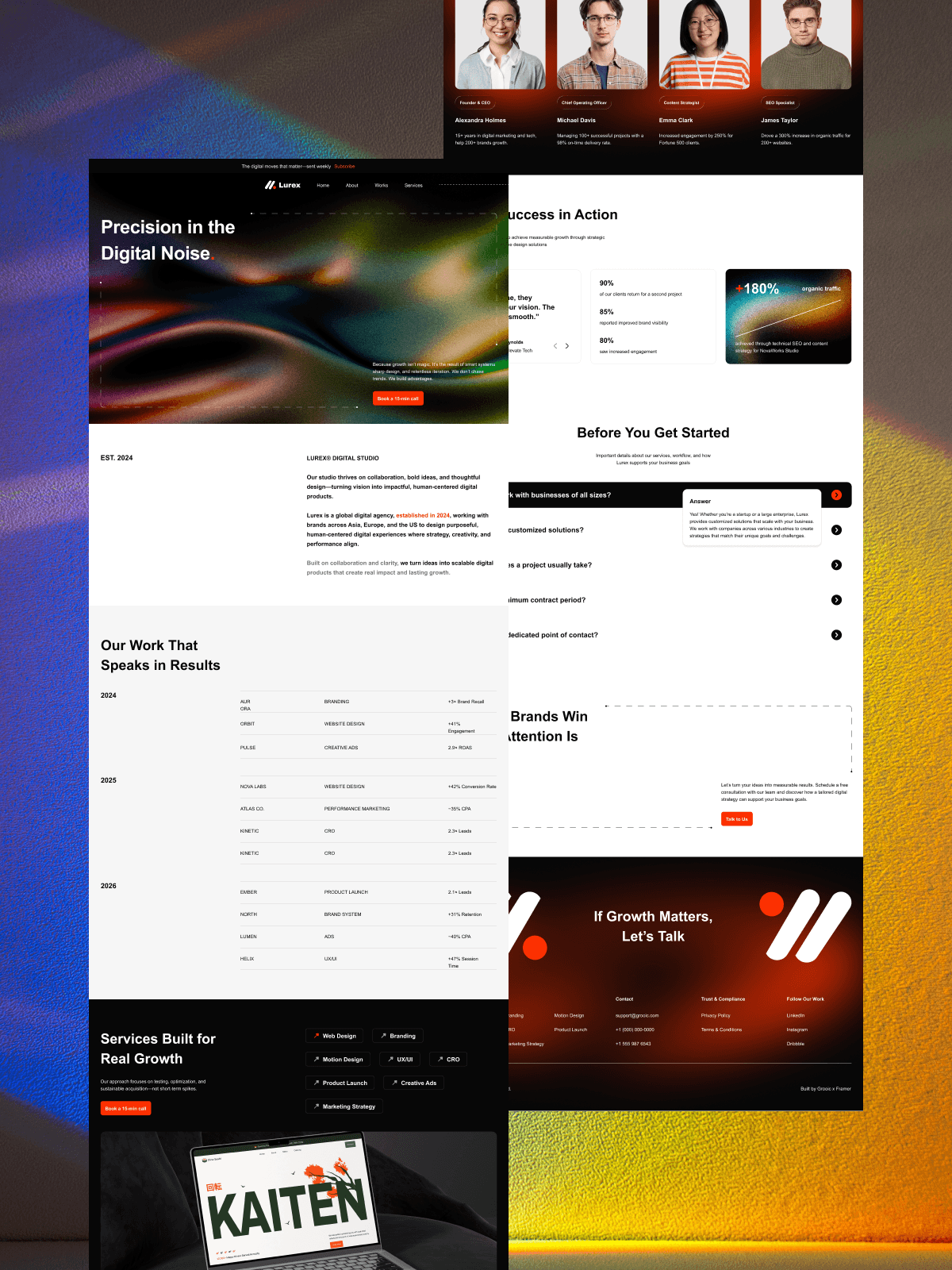
If you want a clean starting point, Grooic offers ready-to-use Figma landing page templates built for conversion.
Quick prep before you export
Good prep prevents most problems. Spend ten minutes here and save hours later.
Name layers and frames clearly
Clear names help you map sections during build. Rename frames by section like Hero, Features, Pricing, CTA. Avoid generic names.
Use components and variants
Components keep buttons, cards, and navs consistent. Variants handle states like hover and active. This structure transfers cleanly to builders.
Set styles and design tokens
Define color styles, text styles, and spacing rules. Design tokens keep the build consistent when you recreate styles in Framer or Webflow.
How do you export assets the right way?
Export only what needs to be images. Keep text and shapes as real elements.
Select icons and illustrations. Export SVG when possible. Use PNG for photos. Set 2x for sharpness. Keep filenames short and clear.
Avoid exporting full sections as images. That blocks responsive control and hurts load speed.
How do you set responsive constraints in Figma?
Constraints guide how elements stretch.
Set text boxes to Fill container when needed. Pin buttons and images to edges they should follow. Use Auto Layout for stacks and cards.
This step mirrors how Framer and Webflow handle responsiveness. It reduces guesswork during build.
How do you convert a Figma design to Framer?
Framer works best for fast launches and interactive pages.
Create a new Framer project. Rebuild sections using Framer stacks and grids. Apply styles to match your Figma tokens. Drop in exported assets. Replace text with real copy.
If grids confuse you, this guide helps you align layouts correctly:
When deciding on tools, understand the roles first. This comparison clarifies when to design in Figma and when to build in Framer:
For deeper help, consult the Framer migration docs, which explain layout mapping and responsive behavior.
How do you convert a Figma design to Webflow?
Webflow suits content heavy sites and CMS needs.
Recreate sections using Div blocks and Flex or Grid. Apply global styles to match your tokens. Add interactions sparingly. Test breakpoints early.
If you compare platforms, this guide explains tradeoffs for build speed and control.
How do you replace content without breaking layout?
Content breaks layouts when text grows.
Set max widths on text. Use line limits for headlines. Test real copy early. Check mobile views after every major change.
Swap images last. Images change spacing more than text.
Common gotchas and how to fix them
Most issues repeat across projects.
Font mismatch happens when the builder lacks your font. Upload fonts or choose close matches.
Spacing drift comes from missing Auto Layout logic. Rebuild stacks with consistent gaps.
Slow pages result from image heavy sections. Replace images with real text and components.
Broken mobile appears when constraints are wrong. Recheck Fill and Hug settings.
Use community help when stuck. The Figma Community offers free files and tips that match real workflows.
Which Grooic Figma templates work best to start?
Start with templates built for launch, not just visuals.
Grooic Figma templates focus on clear sections, strong CTAs, and easy rebuilds.
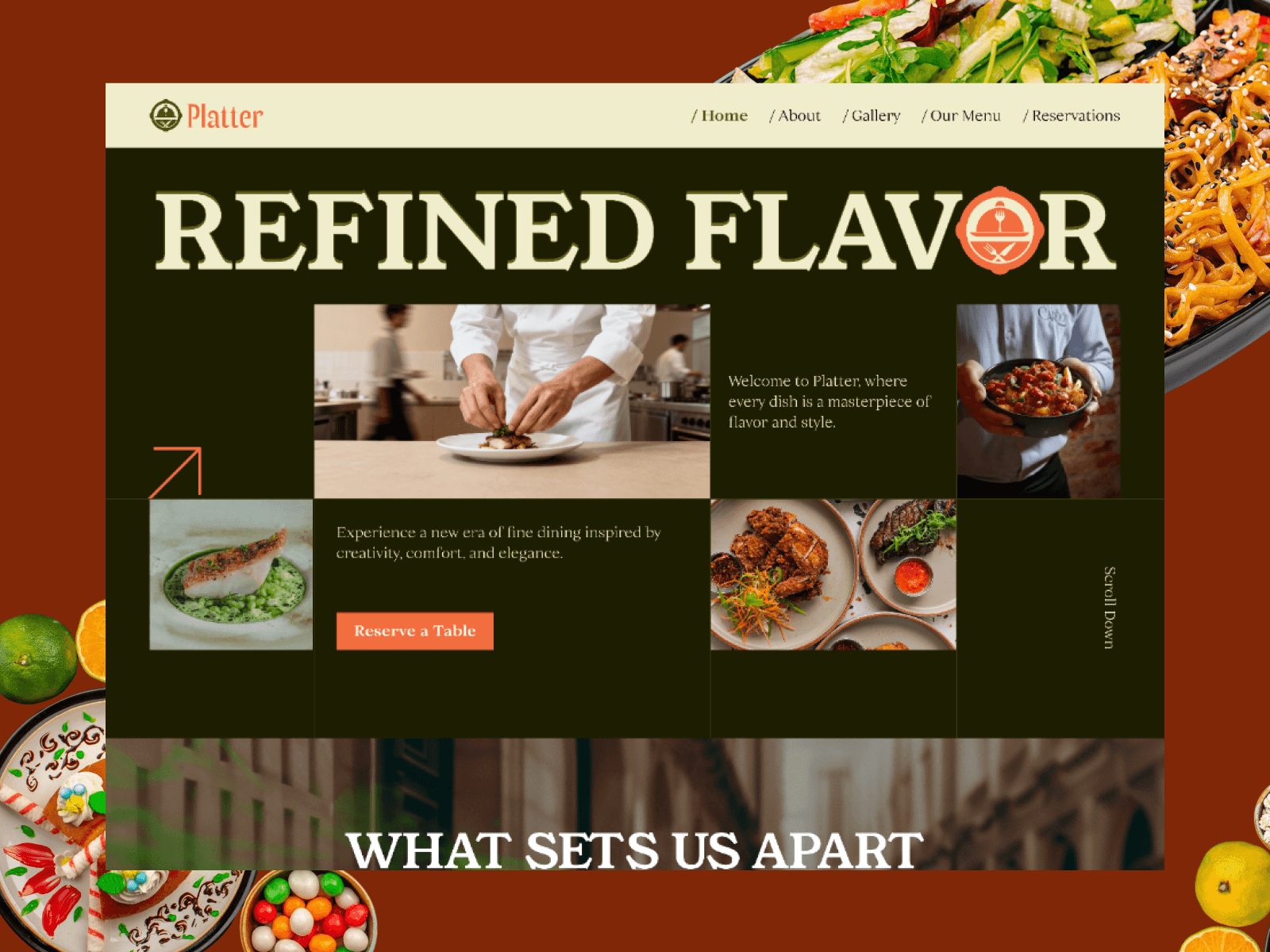
If you want launch-ready variants with prebuilt sections, see the Launch collection.
If you prefer Framer builds after design, Framea gives a clean Framer base that mirrors Figma logic.
Cost and timeline expectations
Customization costs depend on scope.
Simple swaps take one to two days. Full rebuilds with animations take one to two weeks. Costs rise with custom interactions, CMS needs, and copy work.
Templates reduce cost because layout decisions already work. You pay for adaptation, not invention.
When should you hire help?
Hire help when speed matters or when teams lack build experience.
Grooic offers template customization and bundles that move designs from Figma to live pages with less risk. This option fits founders who want results without managing details.
Frequently Asked Questions

Want to Launch Faster?
Get a high-converting landing page instantly with our premium templates.